AnnapurnaNutritionNutrientsThat Fit Your Health
Scan groceries, plan meals with AI, and track nutrition without the hassle. Designed for busy people who still want to eat beautifully.

Built for real life
Tools that save time and elevate your kitchen flow.
Convert images to black & white. Upload any image and get a clean monochrome version.
Scan grocery bills and extract purchased items using Microsoft Azure AI Vision OCR.
Detected items are stored per user in inventory.txt for reliable, repeatable results.
Bearer token auth required by Puch AI, including a validation tool that returns your phone number.
A safe way for assistants like Puch to connect to tools and data—extra capabilities without sacrificing security.
Starter MCP server tailored for Puch AI with prewired tools for job search and image processing.
How it works
Simple flow, powerful outcomes.

Link your Puch AI MCP server with URL and secret token.
Upload a grocery bill or snap a photo (mobile camera).
Pick recipes suggested from your pantry and time.
View nutrition and log meals to your daily history.
Enter MCP URL and token, then connect. Clear success/failed states.
Upload/drag or use camera. Preview and Process Bill CTA.
Confirm extracted items, edit quantities, add/remove lines.
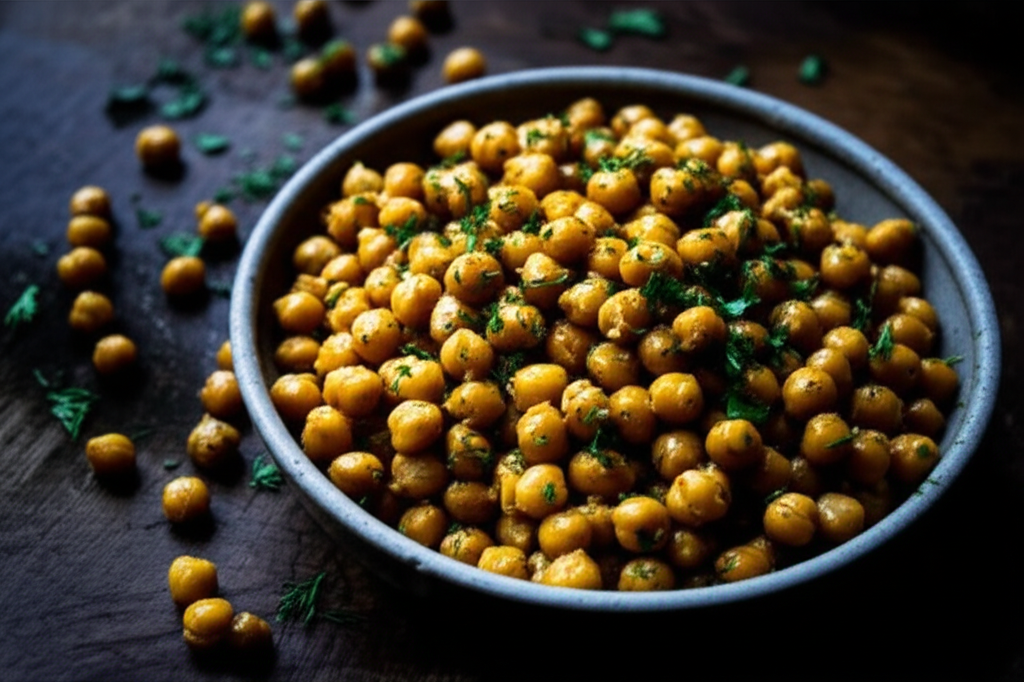
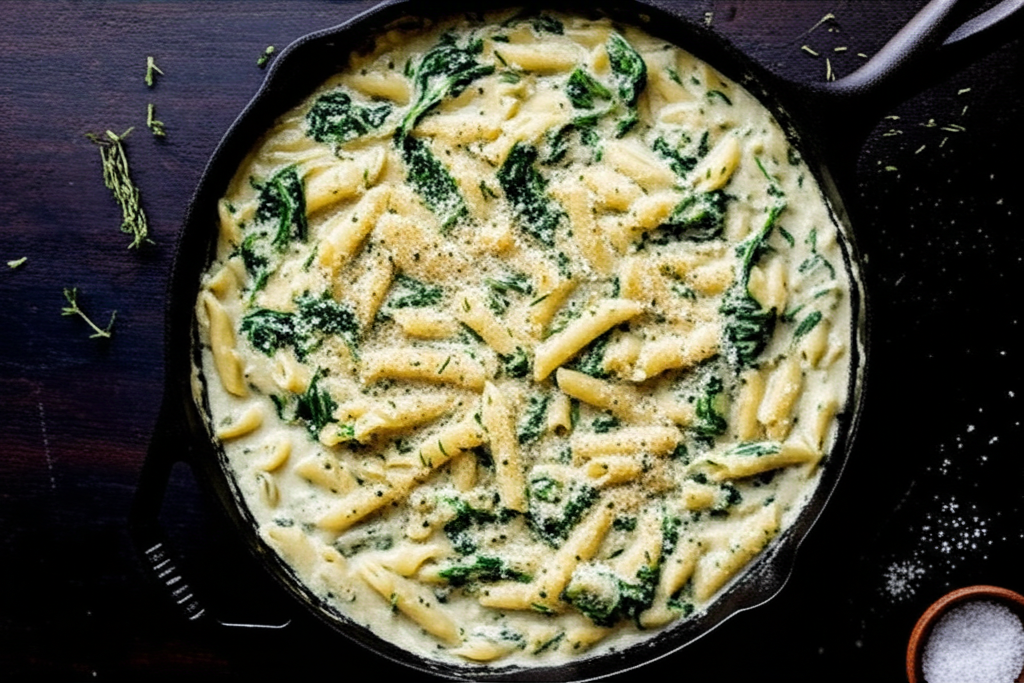
Recipe cards with time and macro highlights, quick actions.
View a clear per-serving breakdown of your meal — Calories, Protein, Carbs & Fat
Secure and save your meal plan in the Diet Board, so you can lock in your daily intake and track it with ease.
- • Do not store raw images unencrypted; persist text outputs only.
- • Keep MCP tokens in server .env; never expose in client.
- • Use HTTPS (ngrok is fine for development).
- • Rate‑limit OCR and model calls to control costs.
Recipe Explorer
Search, filter, and discover recipes that fit your time and taste.